

Free Slide Decks for Every Energy Lesson You Teach
Most lessons today happen with the projector on and slides up and running. When a deck doesn’t already exist for what you’re teaching tomorrow, you’re the one putting it together first.
That gap just closed for our energy library. Every Introduction to and Science of lesson now has a free, editable slide deck to go with it, built to match that specific lesson instead of a generic template you have to bend into shape.
Why We Built a Slide Deck for Every Lesson
Last summer, our Teacher Advisory Council told us something specific: a lot of teachers are building every lesson around a slide deck, and that was the one piece we hadn’t made yet. Our lessons already came with everything else: a bell ringer, a data set, a full teacher guide. If your classroom runs on slides, though, you were still building that piece yourself.
So that’s what the summer went toward. Every Introduction to and Science of lesson in the library now has its own slide deck, matched to that lesson’s content and flow.
A lot of the time, slides are what eat the most planning time. For some teachers, it’s the last box to check before a lesson feels ready. For others, it’s the part they’d rather skip building altogether. Either way, it’s now one less thing standing between you and a lesson that’s ready to teach.
What’s on the Slides
These aren’t just title cards for each activity. Every bell ringer, quiz, and data set slide carries the actual instructions, so if a student loses the thread mid-activity, you can point back to the screen instead of repeating yourself.
The hands-on and lab sections go further. In Science of Coal, the Economic Trade-Offs Simulation walks through choosing a plant size, deciding on pollution controls, and calculating profit, one step per slide, formulas included, pulled straight from the teacher guide’s facilitation notes. In Introduction to Energy, the Energy Around Us lab walks the sticker activity and both rounds of reflection questions the same way. The facilitation notes live right there on the slide, exactly where you need them when a group gets stuck.
How to Use Them
Every lesson page gives you two ways in:
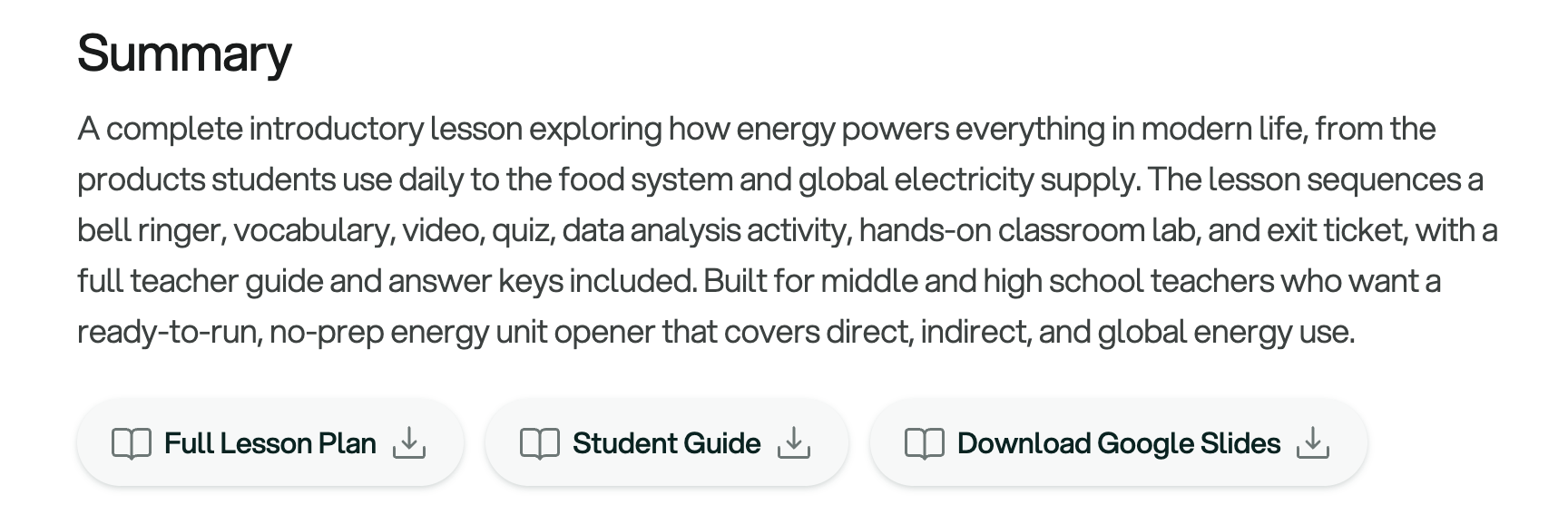
- Click Download Google Slides in the lesson summary at the top of the page
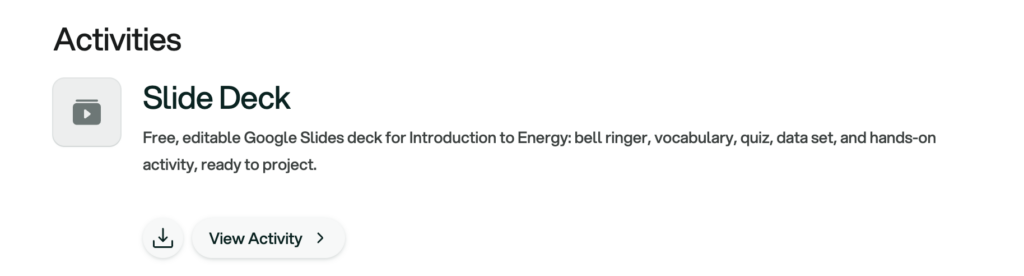
- Or open the Slide Deck activity, the first one listed under Activities, for the full instructions
From there, three steps get you a working copy:
- Click through to view the deck
- Choose File, then Make a Copy for your own editable version
- Choose File, then Download if you’d rather save it as a PowerPoint or PDF
Looking for a specific deck without digging through a lesson page first? Search the resource library and filter for Slide Deck to pull up the whole set at once.
Then, the slides are yours. Cut what you don’t need, add your own entrance and exit routines, reorder to match your pacing, drop in a warm-up you already use. It’s editable the way any of your own slides would be.
What’s in the Library
The “Introduction to” decks cover every energy source and concept: solar, wind, coal, natural gas, nuclear, hydropower, geothermal, bioenergy, energy storage, electricity, the electric grid, energy choices, environmental impacts, indoor air pollution, and more. Built for an accessible entry point, they work across grade levels.
The “Science of” decks go a level deeper, matched to the higher-level readings, data sets, and computation already built into those lessons. They’re the natural next step once a class is ready to work with more complex content.
Same lesson, same structure you already know. Now it comes with a deck that’s ready before the bell rings.
Find your next lesson’s slides in the lesson library, and grab the deck for whatever you’re teaching first.